The Honeywell CK65 is one of the most popular warehouse and cold storage handheld computers in the field. Hot-swap 7000 mAh battery, IP67, and FlexRange scanning up to 60 feet make it a workhorse. But like any device that gets used 16+ hours a day in a warehouse, things break. Here are the most common CK65 problems we repair.
Compare CK65 specs against the rest of the Honeywell lineup in our scanner database — 59 models with full repair info.
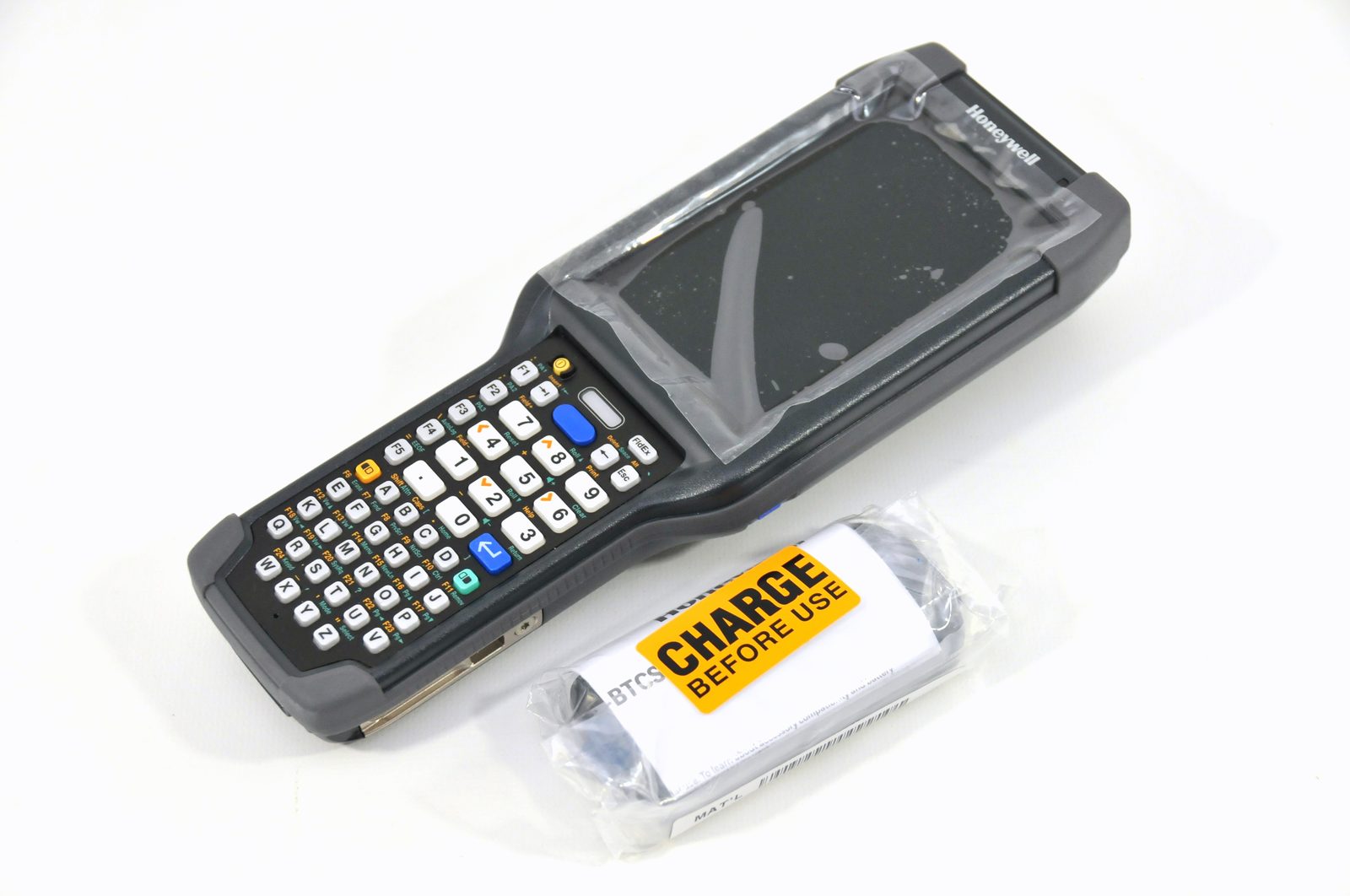
#1 — USB-C Charging Port Failure
Same story as every modern enterprise device. The USB-C port takes constant abuse from daily charging cycles, drops, and debris. Symptoms: intermittent charging, charging only at certain angles, or complete failure. We replace the USB-C daughter board — 30–60 minute repair.
#2 — Battery Port Connector Wear
The CK65's hot-swap battery design means the battery contacts get worn over time. If the device randomly shuts off when you bump it, or shows incorrect battery percentage, the connector contacts may need cleaning or replacement.
For tips on getting more run time out of every charge, see barcode scanner battery life.
#3 — Screen Cracking
Gorilla Glass is tough but not indestructible. Warehouse drops onto concrete will crack it. We replace the full screen assembly including digitizer. Always pre-authorize screen repairs — the part is expensive.
#4 — Trigger Switch Failure
The scan trigger gets pressed thousands of times per shift. Mechanical wear is inevitable. If the trigger feels mushy, requires extra pressure, or double-fires, the trigger assembly needs replacement.
#5 — Cold Storage Condensation Damage
This is CK65-specific. When cold storage units come back to room temperature, condensation forms under the keyboard and around internal connections. ALWAYS warm CK65s to room temperature before opening for repair. We see corrosion on flex cables and connectors from repeated thermal cycling.
CK65 vs CK67 — Should You Upgrade?
The CK67 launched in 2024 as the direct CK65 successor. Ultra-rugged 8 ft / 4,000 tumbles, 5G, Wi-Fi 6E, and FlexRange XLR scanning to 80 feet. If your CK65 fleet is aging, a phased replacement to CK67 makes sense. But if you have 2–3 years left on your CK65 investment, repair is the smart play.
Real-World Example
A Midwest cold-storage 3PL sent us 22 CK65s with a mix of issues. Eight had worn USB-C ports, six had cracked screens from forklift impacts, four had failed triggers, and four had condensation corrosion on internal flex cables. We turned the entire batch around in 72 hours. The corrosion-damaged units needed the most work — we now recommend their team rotate devices out of the freezer at end-of-shift to room temperature instead of leaving them cold overnight, which has cut their condensation-related failures roughly in half.
Scenario based on the type of repair work we typically perform. Not a verified case study.
Common Mistakes to Avoid
Opening a freezer-cold CK65 for repair before it reaches room temperature — guarantees more condensation damage.
Trying to re-solder a worn USB-C connector instead of replacing the full daughter board — repair fails again within weeks.
Ignoring trigger 'mushiness' or double-fires — a $0.10 click becomes a missed pick and a scanning bottleneck.
Skipping pre-authorization on cracked screens — the part is expensive and you want a quote before work starts.
What to Do Next
If any of these symptoms match your CK65 fleet, send us a list of model numbers and what's broken. We'll quote flat-rate pricing within one business day and turn repairs around in 48 hours. Free Chicagoland pickup for 20+ devices, nationwide mail-in for everyone else.
Related Repair Services
Honeywell CK65 Repair
USB-C, screens, triggers, batteries, and cold storage corrosion — 48-hour turnaround.
See Honeywell CK65 Repair detailsScanner Database
Full CK65, CK67, and 57 other model specs with repair info.
See Scanner Database detailsRepair Pricing
Flat-rate pricing across every model we service.
See Repair Pricing details