Barcode Scanner Not Scanning? Here's How to Fix It Fast
If your barcode scanner won't scan but powers on, start with the free Quick Fixes below — clean the scan window, restart the device, check the battery, re-pair the host, and test a known-good barcode. These resolve about 30% of 'not scanning' cases in under 5 minutes. If none of them work and the scanner still won't decode, the scan engine has likely failed. Scan engine repair starts at $209 with a 48-hour turnaround, and Red Barcode Planet offers free diagnosis to confirm the issue before any repair work begins.
A barcode scanner that won't scan is one of the most common — and most disruptive — problems in warehouse operations. Every minute of downtime means delayed shipments, idle workers, and manual workarounds that introduce errors.
In this guide, we'll walk through the most common causes of barcode scanner not scanning issues and show you how to fix them fast — or when to call in professional help.
Published April 13, 2026 · By Red Barcode Planet
Last updated: April 2026
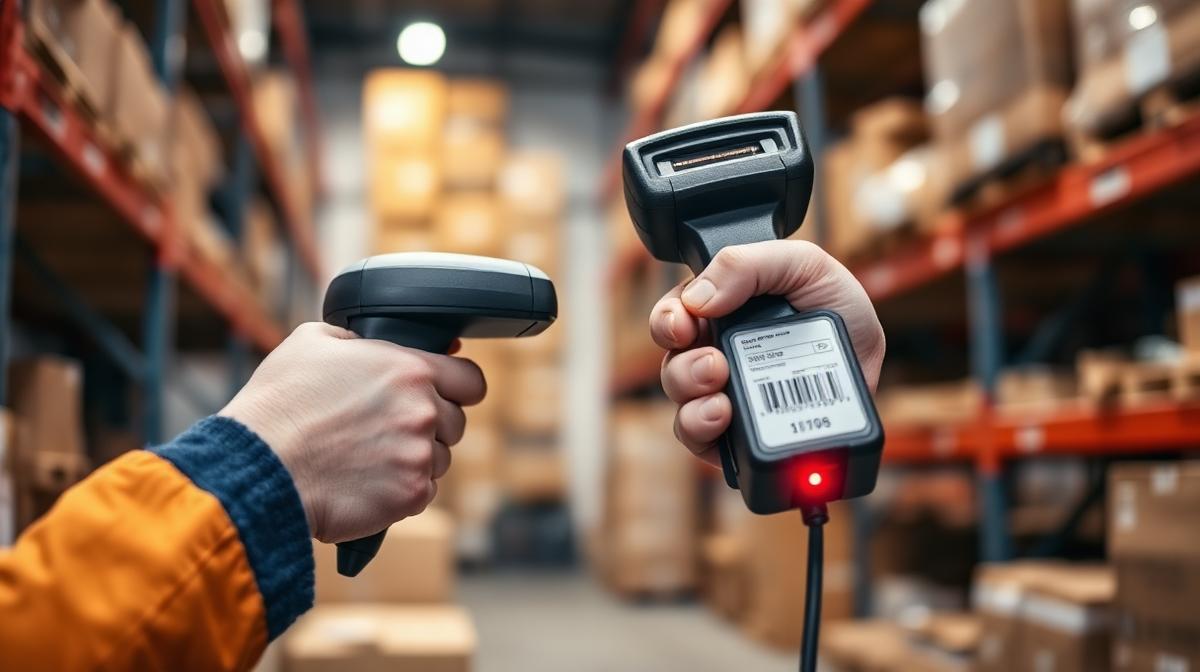
Common Reasons Your Barcode Scanner Is Not Scanning
Before you panic, know that most scanner issues fall into a handful of categories. Understanding the root cause is the first step to getting your barcode scanners back online.
Dirty or Damaged Scan Window
Dust, grime, scratches, or smudges on the scan window block the laser or imaging sensor from reading barcodes accurately. This is the #1 cause of scanning failures in warehouse environments.
Incorrect Scanner Settings
If your scanner's symbology settings don't match the barcode type you're scanning (Code 128, QR, UPC, etc.), the device will fail to decode. Factory resets or accidental configuration changes often cause this.
Low Battery or Power Issues
A weak or degraded battery can't deliver consistent power to the scan engine, causing intermittent failures. Corroded charging contacts compound the problem by preventing proper charging.
Damaged Scan Engine
The internal scan engine — the laser or imager module — can wear out in high-volume environments. Before assuming engine failure, verify it: clean the scan window with a microfiber cloth, do a full factory reset, and test a freshly printed known-good barcode at 4–8 inches. If the scanner still fails to decode across multiple barcode types and distances after those steps, the engine has likely failed and needs professional repair.
Software or Firmware Issues
Outdated firmware, corrupted drivers, or misconfigured software can prevent barcode data from being captured or transmitted correctly. Firmware updates from the manufacturer often resolve these issues.
⚡ Quick Fixes You Can Try Right Now
- Clean the scan window with a lint-free cloth and isopropyl alcohol
- Restart the scanner — power off completely, wait 10 seconds, power back on
- Check battery level and inspect charging contacts for corrosion
- Reset scanner to factory default settings using the programming guide
- Test with different barcode types and freshly printed labels
Tried all of these and still not scanning? Your device likely needs professional repair. If your scanner keeps failing, it may be more cost-effective to repair instead of replace.
When You Should NOT Try to Fix It Yourself
Basic troubleshooting works for surface-level issues. But if you're dealing with any of the following, you need professional repair — attempting a DIY fix can cause further damage and void warranties.
Hardware Damage
Cracked housings, broken triggers, damaged USB ports, or visible internal damage all require professional tools and replacement parts.
Scan Engine Failure
If the scanner beeps but won't decode, or reads inconsistently across all barcode types, the internal laser or imaging module is failing.
Repeated Issues
If the same problem keeps coming back after resets and cleaning, there's an underlying hardware issue that software fixes can't solve.
Red Barcode Planet specializes in exactly these types of repairs. Our experienced technicians handle Zebra, Honeywell, and all major scanner brands — from scan engine replacements to full board-level diagnostics.
How Professional Repair Gets You Back Online
When barcode scanner troubleshooting doesn't solve the problem, professional repair is the fastest path back to full productivity.
24–48 Hour Turnaround
Most repairs completed and shipped back within 2 business days. No weeks of waiting.
40–60% Cost Savings
Professional repair costs a fraction of buying new. Keep your fleet operational without breaking your budget.
Full Testing & Diagnostics
Every repaired device goes through comprehensive testing — scan engine, battery, connectivity, and software — before it ships back.
Wondering if repair is the right call? Read our repair vs replace cost analysis to make a smart decision. You can also check out our scanner maintenance tips to extend the life of your devices.
Nationwide Barcode Scanner Repair
Red Barcode Planet provides nationwide barcode scanner repair for warehouses, 3PLs, and distribution centers across the United States. No matter where you're located, getting your scanners repaired is simple.
Chicago-area business? Learn about our local pickup service for bulk device repairs.
Nationwide Barcode Scanner Repair You Can Trust
Red Barcode Planet helps warehouses, 3PLs, and distribution centers across the U.S. reduce downtime and extend device life. With over 15 years of experience, our team has serviced thousands of devices from every major manufacturer.
Related Articles
Related Repair Services
Zebra Scanner Repair
Expert repair for the full Zebra lineup — fast turnaround, experienced techs.
See Zebra Scanner Repair detailsHoneywell Scanner Repair
Professional Honeywell repair — CK75, CN80, CK65 and the full range.
See Honeywell Scanner Repair detailsTransparent Repair Pricing
Flat-rate repair pricing — no surprises, no hidden fees.
See Transparent Repair Pricing detailsReal-World Example
A regional grocery distribution center had 14 Honeywell CK65 units that suddenly wouldn't scan barcodes mid-shift, halting their pick operations. Their IT team tried factory resets and firmware updates with no luck. We diagnosed the fleet and found 11 units had failed scan engines (SE4750) and 3 had simply bent ribbon cables. Total repair: ~$1,815 ($186 average) — vs ~$16,800 to replace with new CK65s. We turned the entire batch around in 48 hours and shipped them back ready to deploy.
Scenario based on the type of repair work we typically perform. Not a verified case study.
Common Mistakes to Avoid
Replacing the whole device when only the scan engine has failed — engine replacement runs from $209 vs $1,200+ for a new unit.
Cleaning the scan window with paper towels or harsh solvents — micro-scratches cause permanent read failures. Use microfiber + 70% isopropyl only.
Assuming 'won't scan' means hardware — 30% of cases are host pairing or symbology configuration, fixed in 60 seconds.
Ignoring intermittent scan failures — solder fatigue at the engine connector usually progresses to full failure within weeks.
What to Do Next
If your scanner still won't scan after the Quick Fixes, send a one-line note with the model and symptom. We diagnose for free, quote a flat rate within one business day, and ship most repairs back within 48 hours of receipt — backed by our No Fix No Fee guarantee and 90-day warranty.